The BCF API
Issuetracker implements the buildingSMART BCF REST API, so other software can read and write issues here directly - without anybody exporting a file, emailing it, and importing it at the other end.
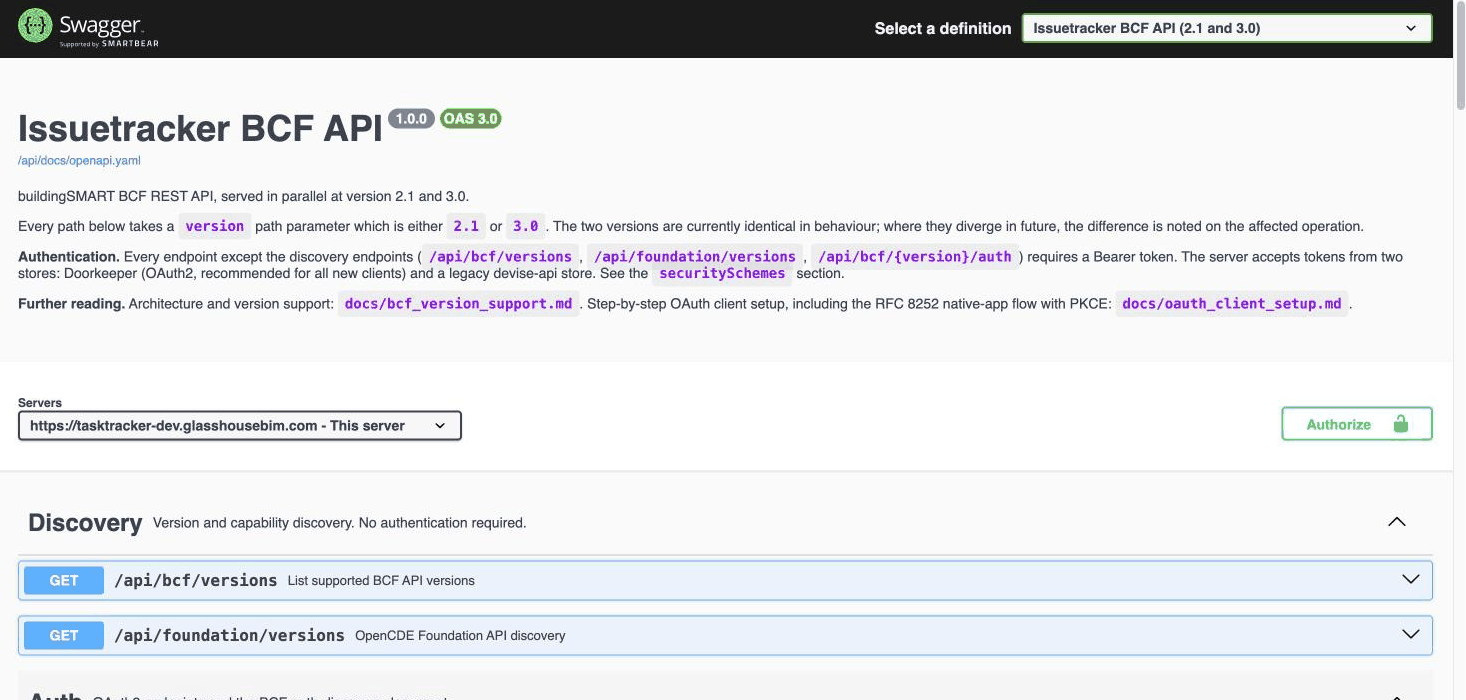
This page is an orientation. The complete reference - every endpoint, every field, with
examples you can try - is generated from the code and lives in the app itself at
/api/docs.
When you would use it
A BIM tool that already speaks BCF. Point it at this server and it works with the issues live, rather than through files. Whether your tool can do that is a question for its documentation, not this one.
Something you are building yourself - a dashboard, a report, a sync with another system.
If you just need to move issues between two tools once, a BCF file is simpler and needs no setup.
Versions
Both 2.1 and 3.0 are supported for reading and writing.
Note the asymmetry with files: the API handles both versions, but file export writes 2.1 only.
Signing in
The API uses your ordinary Issuetracker account, and you get exactly the permissions your account has in the app - the same rules as Who may do what. There is no separate API role, and no key that bypasses membership.
/api/docs covers the authentication flow in detail.
The vocabulary is not the app's
This is where most first attempts go wrong. The API follows the BCF standard's names, not the ones on the buttons:
- an issue is a topic
- Milestone is
stage - Deadline is
due_date - a project is identified by a GUID, not the number in the address bar
The full table is on Issue, task or topic?. Read it before you write any code against this.
Which values it will accept
For Status, Type, Priority, Milestone and Labels, the API accepts your project's own lists - the same values the dropdowns offer, which you control under Project options.
If a value is rejected, the project has not been configured to allow it. The fix is in the project settings, not in your request. Do not work around it by picking the nearest-looking value: that produces a tracker nobody can filter.
Fields with an empty list accept free text, so whatever you send becomes that project's de-facto vocabulary. Worth being deliberate about.
Board order: a local extension
The place a card sits in its column is available as board_position, but it is not part
of BCF - it is this app's own field. So it is opt-in on read: ask for it with
?include=board_position
An unrecognised name there is a 400 rather than being ignored. Once included, you can also
sort by it. Writing needs no parameter - just send board_position in the body.
Two things to know: it is a project-wide sort key rather than a place within one column, so the second card in a list can hold 23; and reordering is not recorded in the topic history, so no client can find out who moved a card.
One limit to design around
Comment history is not recorded. Changes to comments are not written to the event log, so the comment events endpoint returns nothing on a real project. Topic field changes are recorded and readable.
What it does not replace
The API is a way in for software. If what you actually want is an assistant that answers questions and raises issues in ordinary language, that is Connecting an AI assistant, which sits on top of the same data.