Create and edit a project Project owner only
A project holds issues, and it is also the unit of access: people are added to a project, not to the app as a whole. Somebody who is not on the project cannot see it at all.
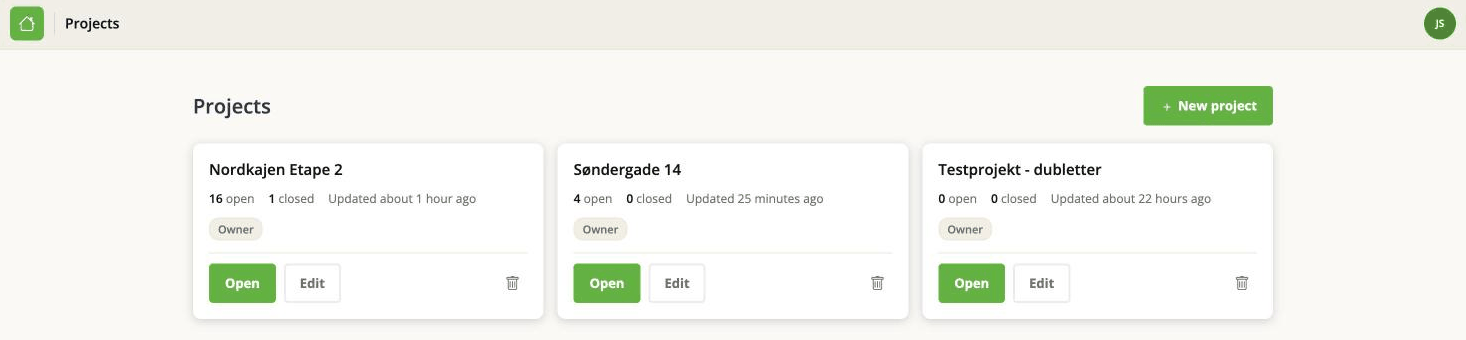
Each card shows how many issues are open and closed, when the project last changed, and whether you own it.
Whoever creates a project owns it. The owner can do a few things nobody else can, and those are marked with the badge above.
Create a project
From Projects, click New project, give it a title and click Save. The title is the only required field - the boxes underneath are Project options, and they can all be filled in later.
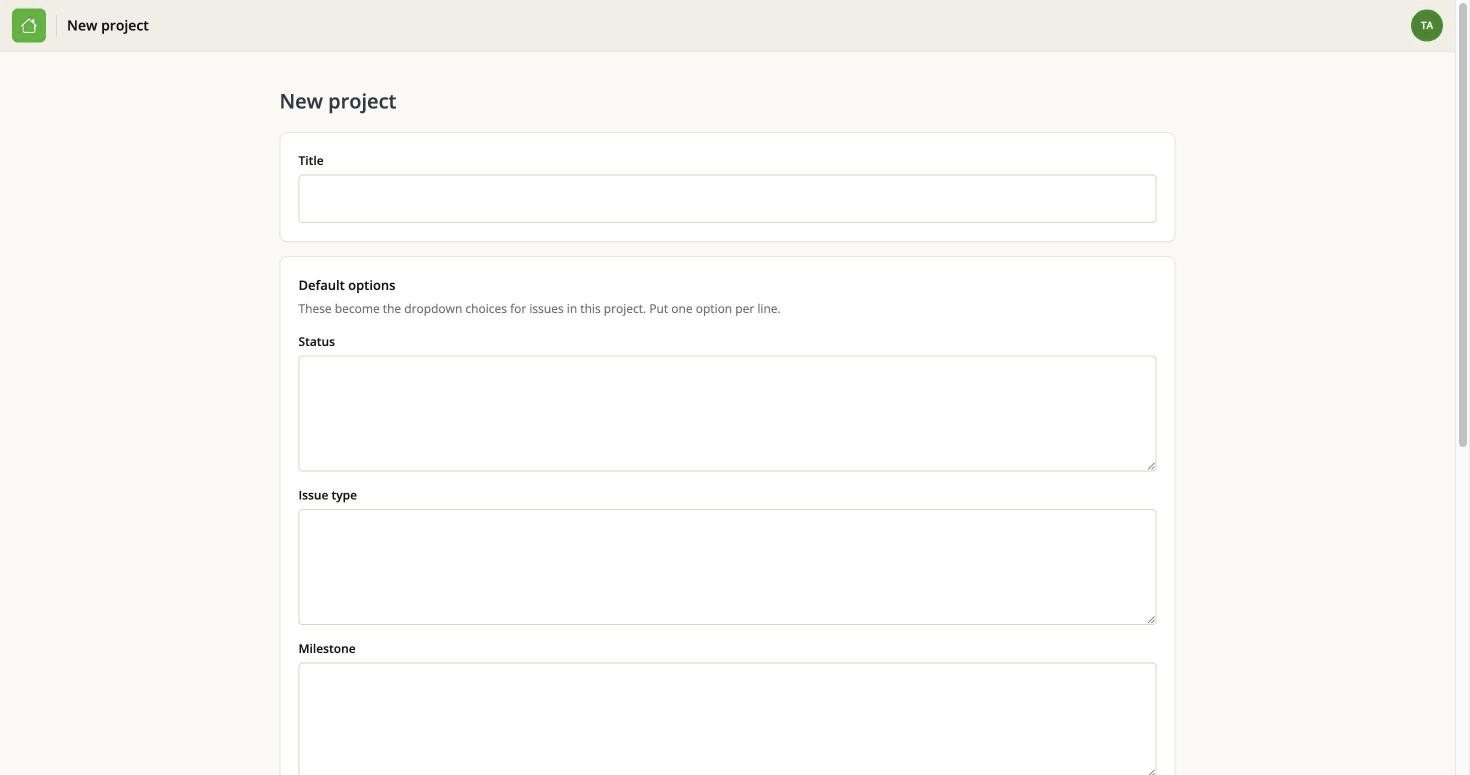
You can change the title later, and doing so does not affect anything else.
Edit a project
Open the project, then use the Project menu at the top right and choose Edit project.

There are two things on this page:
- Title.
- Project ID - the number this project has in the address bar. It is shown so you can quote it if you are asked for it. It is not editable.
Below that is Default options, which is a subject of its own - see Project options.
The number in the address bar is not the same identifier the BCF API uses. The API identifies a project by a GUID instead. If you are wiring something up, see Issue, task or topic?.
Delete a project
There are two ways in: the bin icon on the project's card on the Projects page, and Delete project at the bottom of the Edit project page. Both ask you to confirm.
Deleting a project takes everything with it: every issue, every comment, every attached file, the change history, and the record of imports and exports. It cannot be undone, and there is no trash to recover it from.
If what you actually want is to stop looking at a finished project, closing its issues and leaving it alone costs nothing.
Who can do what
| Project owner | Collaborator | |
|---|---|---|
| Create a project | anyone | anyone |
| Edit the title and options | yes | no |
| Manage people | yes | no |
| Delete the project | yes | no |
| Everything else | yes | yes |
The full picture, including what happens with issues, is on Who may do what.